eSIM for Asia:
Why Data Matters More When You Have a Food Allergy
For most travelers, losing mobile data in Asia is inconvenient. For allergy travelers it removes access to your digital allergy card, translation tools for reading menus and labels, and the ability to locate emergency services. Connectivity is a safety consideration, not a comfort one.
Why connectivity is a safety resource for allergy travelers
Most travel advice about staying connected focuses on navigation and communication with family. For allergy travelers, there are specific safety uses that are harder to replicate without connectivity:
- Your digital allergy card. A digital card stored in your phone or saved to your camera roll is viewable without a connection, but the AllergyPass card builder requires internet access to generate and the QR code sharing feature requires connectivity. More practically, showing a card on your phone screen at a busy restaurant is only reliable if your phone is working.
- Real-time translation. Google Translate's camera mode (offline language packs downloaded in advance) can help with static text but live translation and less common language support requires data. In Japan, translating kanji ingredient lists in a convenience store is significantly faster with a live translation app.
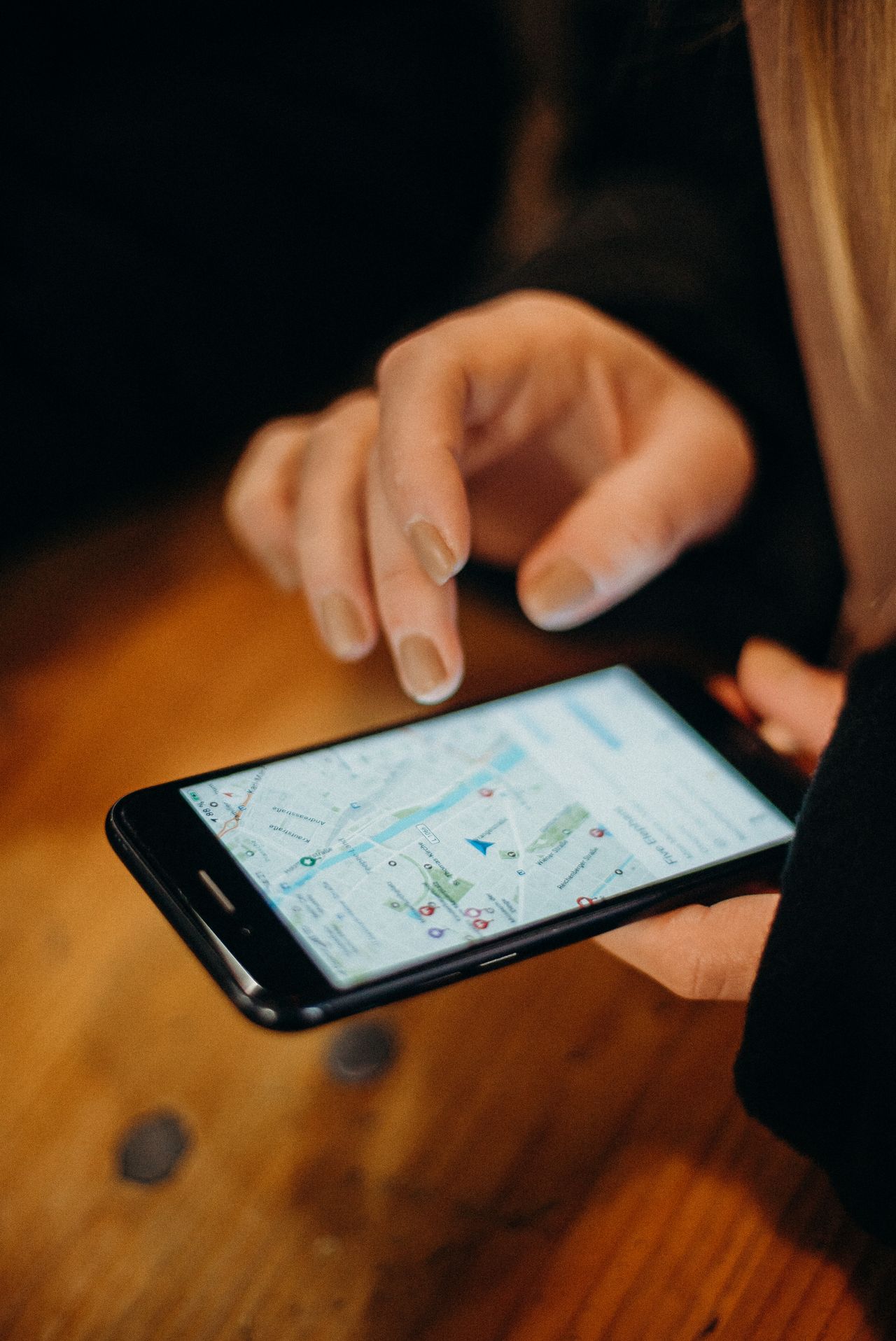
- Emergency information lookup. Knowing the emergency number for the country you are in (112 in EU, 119 in South Korea, 1669 in Thailand, 115 in Vietnam) is easy to research before travel, but confirming the nearest hospital with an emergency department to your current location requires maps and data.
- Contacting your travel insurance emergency line. Most travel insurance policies have a 24-hour emergency line. Calling or messaging them during a medical incident requires connectivity.
- Messaging companions or hotel staff. If you are traveling with others or staying at a hotel, being able to send a message quickly matters in an emergency.
eSIM vs. local SIM card: the allergy traveler's case for eSIM
Local SIM cards in Thailand, Vietnam, Japan, and South Korea are inexpensive and widely available at airports. They are a perfectly good option. The specific advantage of an eSIM for allergy travelers is timing: you activate it before you leave home and have data from the moment the plane lands, before you have navigated the airport, found the SIM kiosk, communicated your needs to the vendor, and waited for the card to be installed.
Arriving at Suvarnabhumi Airport in Bangkok after a long flight without connectivity means getting through the airport, the taxi queue, and the first restaurant decision of the trip without any of the digital tools above. With an eSIM activated before departure, you land with all of them already working.
For multi-country trips, a regional eSIM plan also removes the need to buy a new local SIM at each border. Moving from Thailand to Vietnam to Japan on a single trip means three separate SIM purchases without an eSIM. A regional Asia eSIM covers the full itinerary under one plan.
Saily offers eSIM data plans for individual Asian countries (Thailand, Japan, South Korea, Vietnam, Indonesia, Malaysia, Singapore, and more) and regional multi-country plans. Plans are activated via QR code before departure. No physical SIM swap required. Compatible with most eSIM-capable smartphones released from 2019 onward.
View Saily Asia plansHow to set up an eSIM before your Asia trip
The setup process is straightforward and takes about five minutes:
- Confirm your phone supports eSIM. Check your phone model's specifications. Most iPhones from XS (2018) onward, Samsung Galaxy from S20 (2020), and Google Pixel from 3 (2018) support eSIM. Some carrier-locked phones may need unlocking first.
- Purchase a plan before departure. Buy your plan from Saily or your chosen provider at least 24 hours before you travel. You will receive a QR code by email.
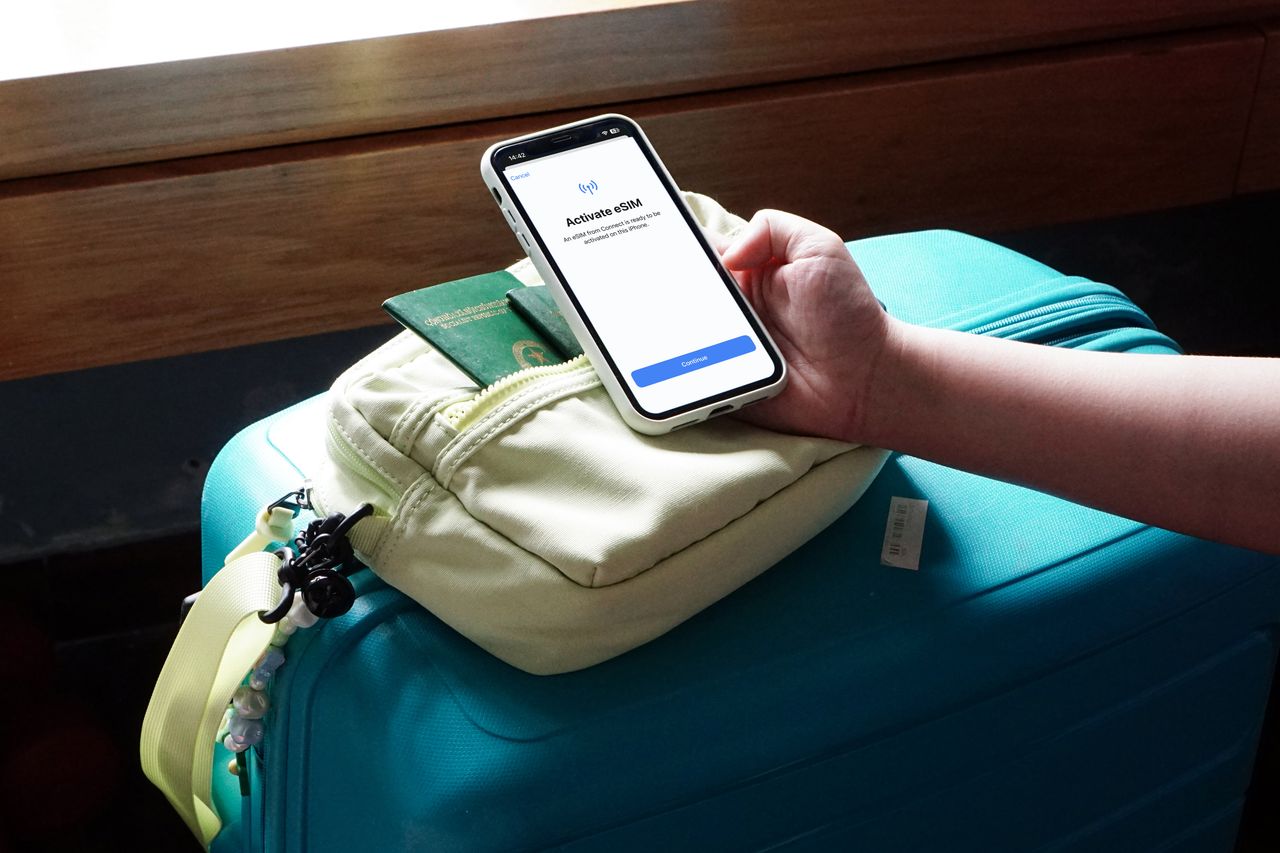
- Install the eSIM while still on your home network. Follow the setup instructions (Settings > Mobile Data > Add eSIM on iPhone; varies on Android). The installation requires internet access, so do it at home before you leave.
- Set data roaming correctly. On arrival at your destination, your phone will connect to the eSIM's partner network. Make sure the eSIM is set as your active data line in settings. Keep your home SIM active for calls if needed.
- Download offline tools in advance. Before you leave home: download Google Translate language packs for your destination country offline, save your AllergyPass allergy card to your camera roll as a screenshot, and save your travel insurance emergency number in your contacts.
Data and connectivity notes by country
Set up your Asia eSIM at home. Land with data already active. No SIM kiosk queue, no airport desk, no language barrier at the counter. For allergy travelers who need connectivity from the moment they arrive, this removes one variable from an already complex first day.
Get Saily for AsiaFrequently asked questions
Why does mobile data matter for food allergy travelers?
Your digital allergy card, translation apps, emergency services lookup, hospital maps, and travel insurance emergency line all require data. In a country where you cannot read or speak the language, your phone with connectivity is a meaningful part of your allergy safety toolkit. Losing data removes multiple layers simultaneously.
What is an eSIM and how does it work?
An eSIM is a digital SIM built into your phone. You purchase a data plan, receive a QR code, scan it to install the plan, and your phone connects to a local network when you arrive in the destination country. The advantage for allergy travelers is that you activate it before leaving home and have data from the moment you land.
Which countries in Asia does Saily cover?
Saily covers Thailand, Japan, South Korea, Vietnam, Indonesia, Malaysia, Singapore, Cambodia, the Philippines, and more, with both single-country and regional multi-country plans. Check their website for current coverage and pricing as plans are updated regularly.
Does my phone support eSIM?
Most smartphones from 2019 onward support eSIM: iPhone XS and later, Samsung Galaxy S20 and later, Google Pixel 3 and later. Check your specific model's specifications and confirm your carrier has not locked eSIM functionality. If your phone was purchased through a network provider it may need carrier unlocking first.